Context & problem
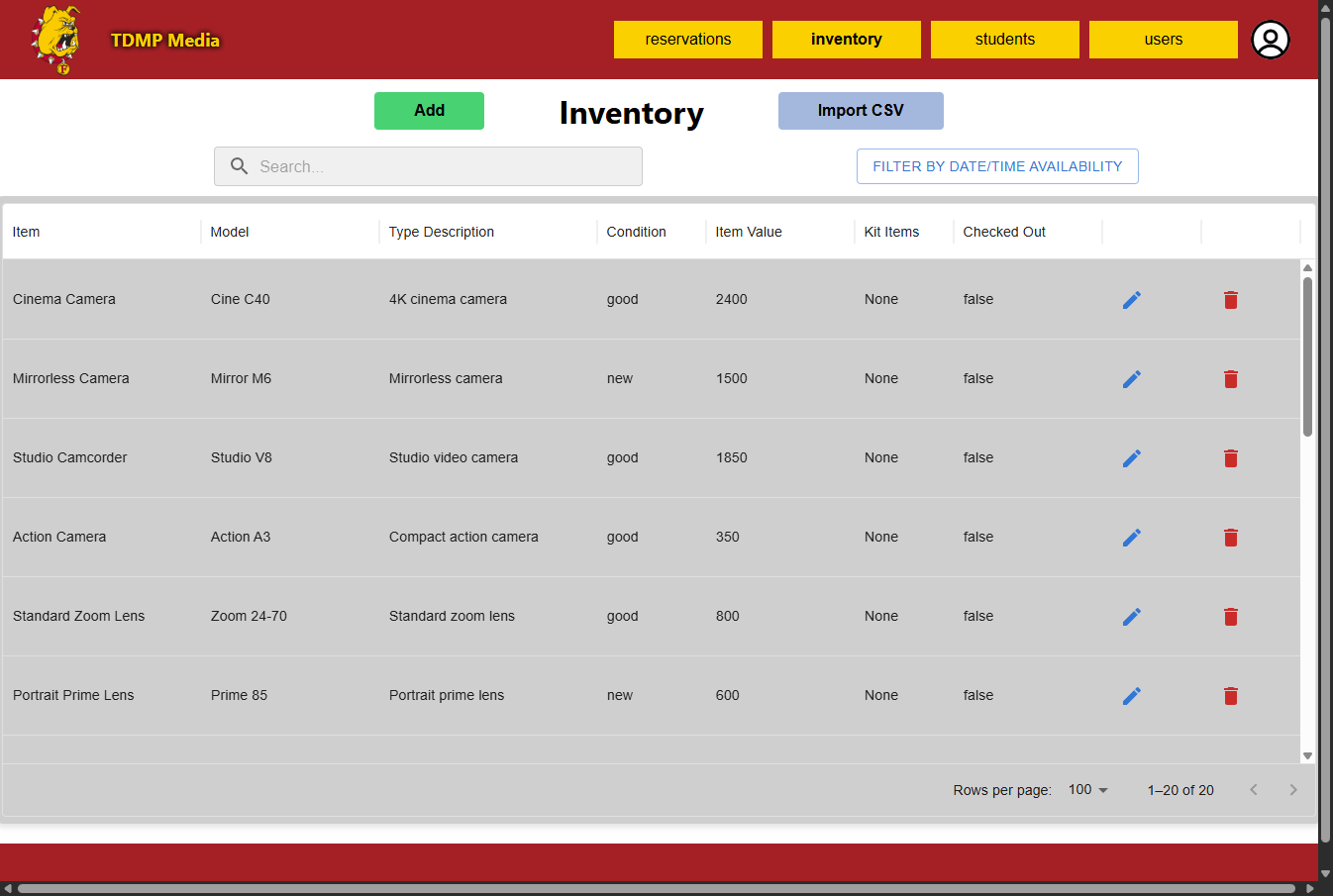
The application was developed for Ferris State University’s Digital Media department to manage equipment used by crews recording and broadcasting sporting events.
My contribution: CSV imports
- Contributed to student and inventory CSV imports, including validation and actionable skipped-row feedback.
- Supported project-board tracking and QA, with additional frontend and backend contributions.
- Reservation logic was mainly written by a colleague.
This recorded example shows a partial student import: valid records are added while invalid rows are reported and skipped.
Local demonstration with fictional data
Step 1 of 4
Choose the CSV
Import student records from the Students screen.
The Import CSV control opens the file chooser. Selecting a file starts the import immediately.

The CSV correction
Only one CSV field changed: the email for Student ID 900002. Reimporting the corrected file adds that student and skips the existing student ID.
- Before
taylor.sample-at-example.invalid- After
taylor.sample@example.invalid
Supporting capture: the first imported record
After the first alert was dismissed, the table showed Alex Demo before the corrected reimport.
View supporting full screenshot ↗Partial-import behavior
- The React client checks CSV headers and row values, submits valid records individually to the Spring Boot API, and reports added records alongside skipped-row reasons.
What I learned
- Partial imports need feedback that distinguishes invalid rows from existing records, so users know what to correct and retry.
Source code is private; demonstrations use fictional data.